Download and install official Trust.Zone VPN Client from App Store: App Store: Trust.Zone VPN - The #1 Anonymous VPN
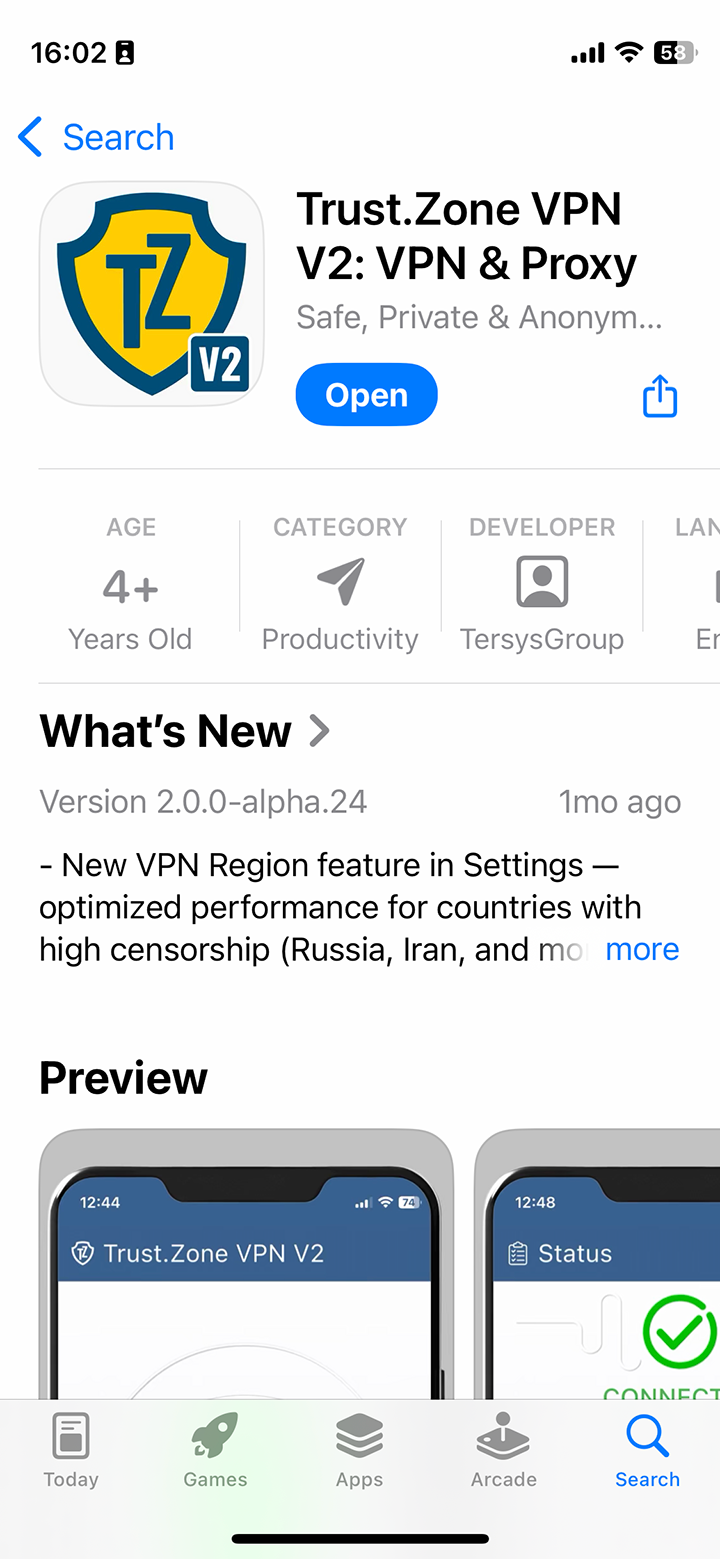
Important: Trust.Zone VPN Client for iOS works only with iOS 15 and above.
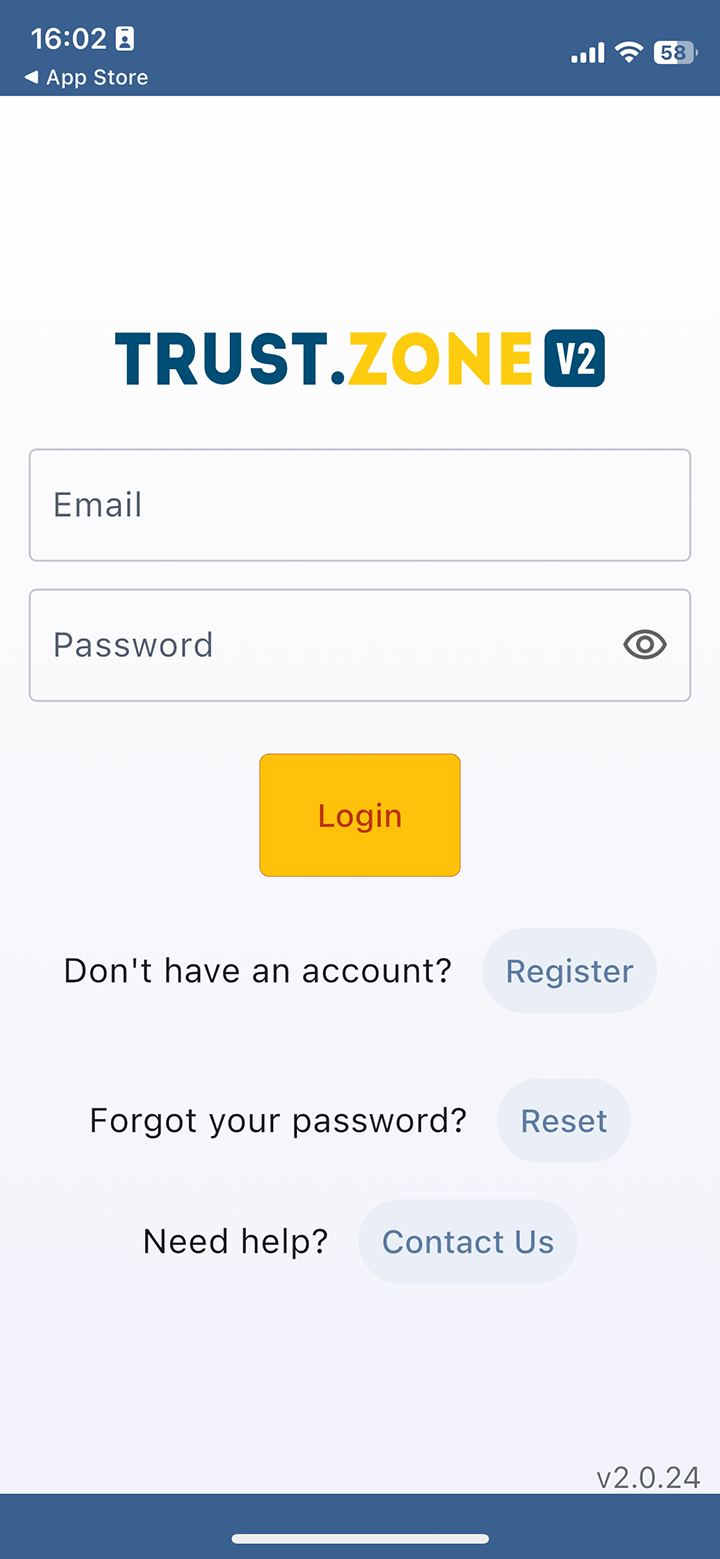
Login to Trust.Zone VPN Client using the same email address and password you use on Trust.Zone website.
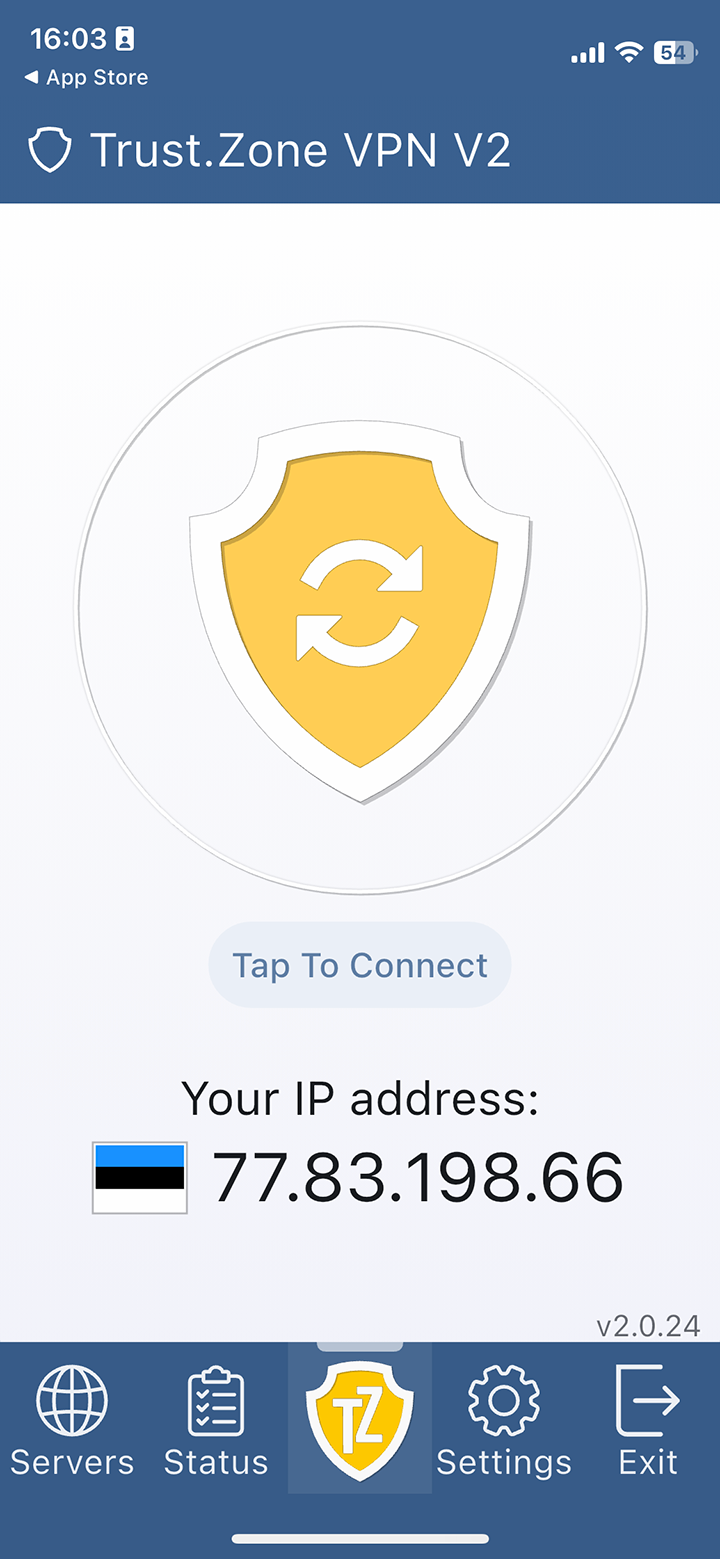
After you logged in, tap a big Trust.Zone icon to connect.
You may choose another VPN location to connect - see Step 3.
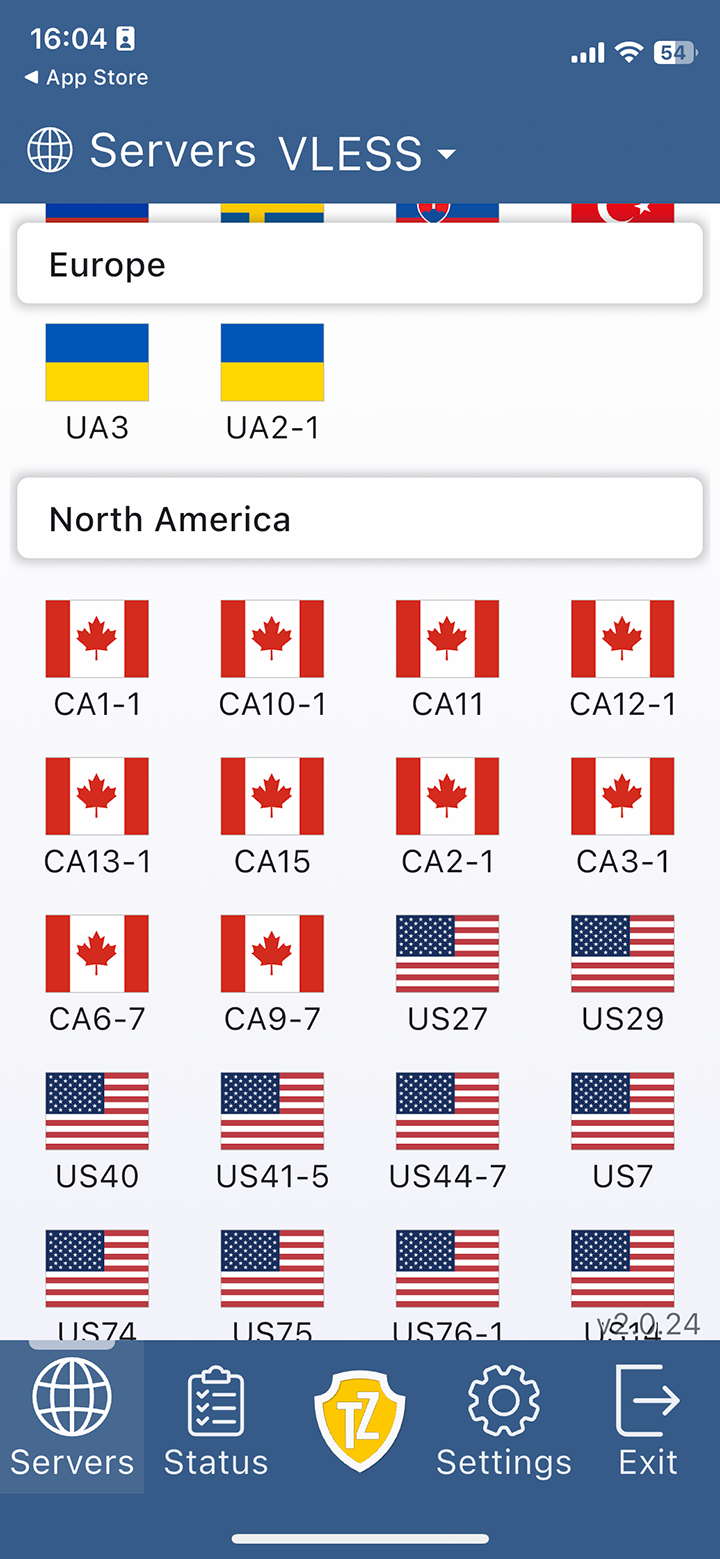
Tap Servers icon, select desired VPN location and tap it to connect.
Open Trust.Zone Main page or reload it if it is already open in order to check if your connection with Trust.Zone VPN is established correctly.
You can also visit our Connection Check Page.
 Your IP: x.x.x.x ·
  Romania ·
You are in TRUST.ZONE now! Your real location is hidden!
Romania ·
You are in TRUST.ZONE now! Your real location is hidden!